Tori Solutions
May 27, 2026 · 5 min read
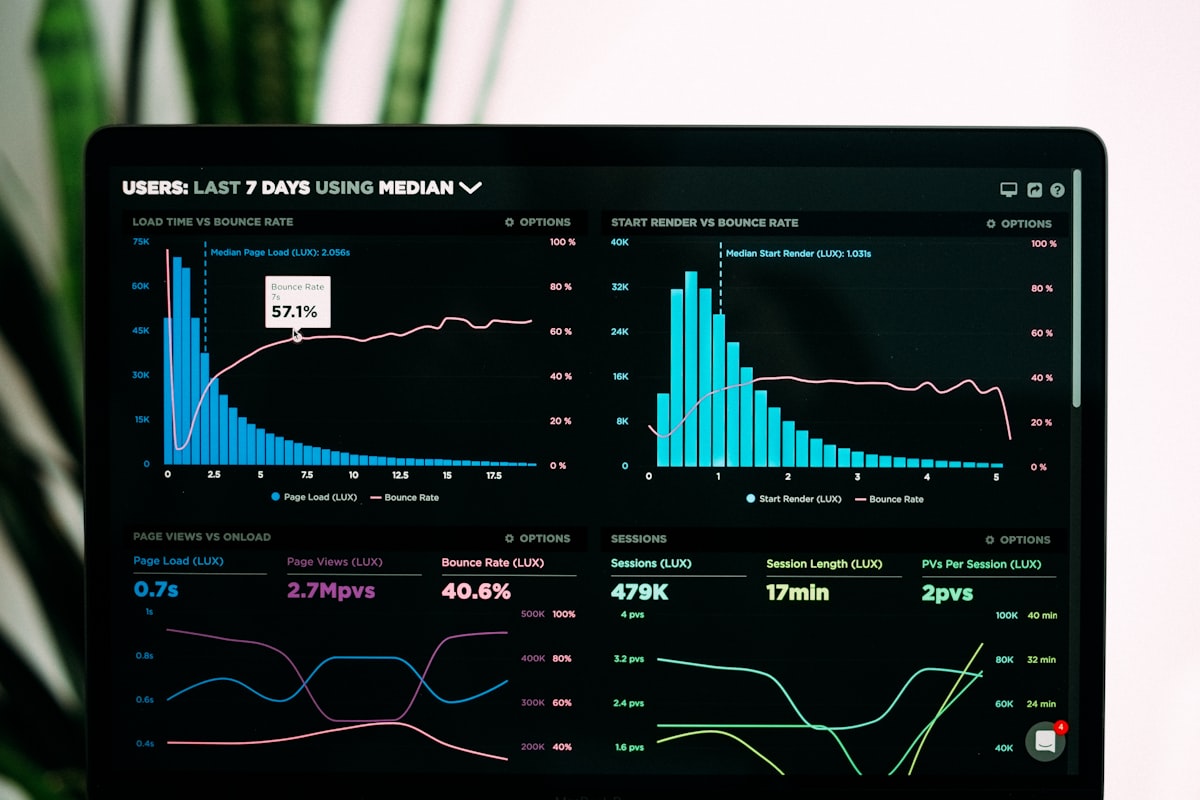
When Odoo is first deployed, the default home screen shows module icons. When users customize it by adding reports and widgets, it often becomes a wall of numbers with no hierarchy — revenue next to leave requests next to inventory counts. Everything is visible. Nothing is prioritized.
A good dashboard answers one question before the user has to ask it: *what needs my attention right now?* Designing that answer requires knowing who is looking at the screen and what decisions they need to make today.
The most important principle: one dashboard does not serve all roles. Build separate dashboards for Finance, Warehouse, Sales, and Management.
The finance team needs to know the cash position and what's at risk:
These five KPIs let a finance manager assess daily cash risk in under 60 seconds.
The warehouse team needs to know what's moving and what's blocked:
Sales needs to track pipeline momentum and customer activity:
Management needs the overview, not the detail:
This dashboard should not require drilling down to be useful. If a metric is green, move on. If it's red, then you drill.
Odoo provides two main tools for dashboard building:
Every module has pivot and graph views. Navigate to any list (invoices, stock moves, sales orders), switch to graph view, configure the grouping and measure, then save as a favorite. Favorited reports appear in the reporting menu and can be shared with the team.
With Studio, you can drag widgets — KPI numbers, bar charts, pie charts, activity lists — onto a custom dashboard view. This is the most flexible option, requiring no development. You can build a fully customized home screen per user role in an afternoon.
Show the dashboard to the intended user and ask: "What do you need to do today?" If they can answer that question from the dashboard alone without opening any other report, the dashboard is working. If they still need to dig through menus to find the information, the dashboard isn't designed for their actual workflow — go back and replace the metrics.
Explore our Odoo ERP services and recent case studies, or reach out to discuss how Tori Solutions can help with your specific requirements.
Tell us what's slowing you down. We'll review your setup and map out what needs fixing.
Start a conversationarrow_forward