Why Inventory Errors Happen
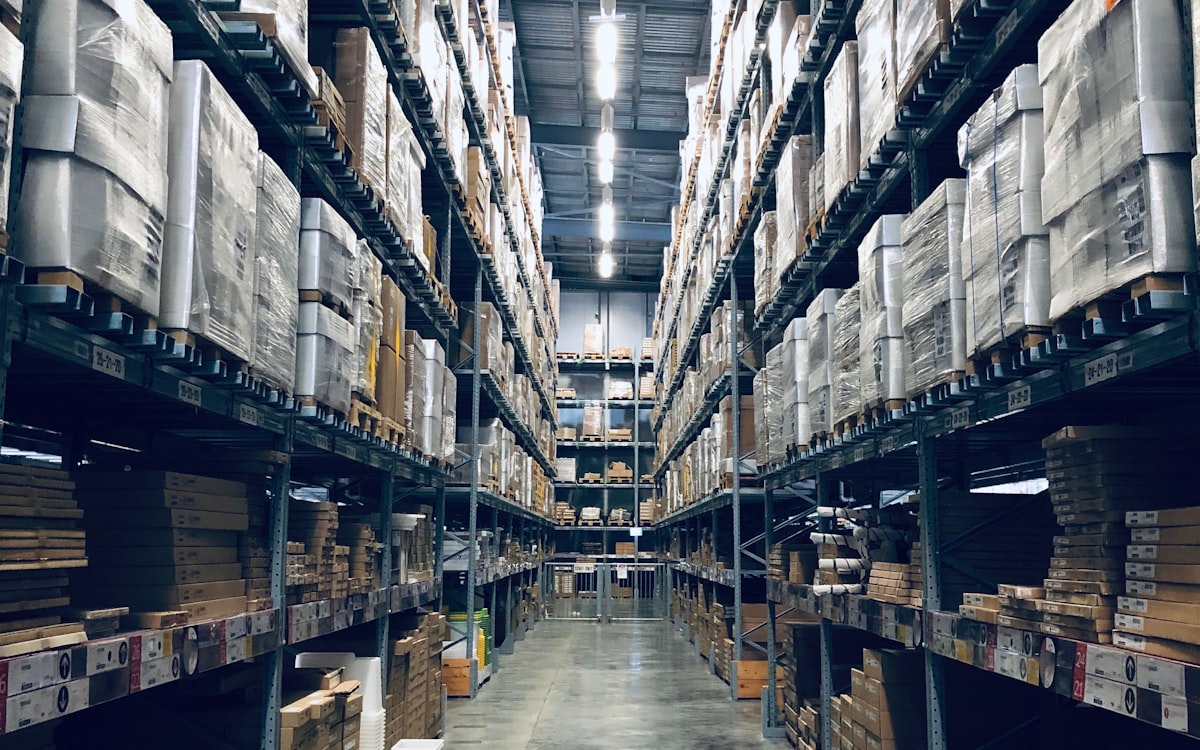
Inventory mismatch — where what the system says and what the shelf holds are different — is one of the most common problems in growing businesses. It leads to overselling, emergency purchases, dead stock, and eroded customer trust.
The root causes are usually simple but persistent:
1. Manual Stock Tracking
When stock movements are recorded on paper or spreadsheets, delays and typos are inevitable. A warehouse worker moves 50 units but writes down 40. By the end of the month, the numbers are fiction.
2. No Link Between Sales and Inventory
In many SMEs, the sales team confirms orders without checking real-time stock. The result: promises that can't be fulfilled, backorders, and unhappy customers.
3. Untracked Returns and Adjustments
Returns come back to the warehouse but never get recorded in the system. Damaged goods are written off informally. Over time, the gap between records and reality widens.
4. Multiple Warehouse Confusion
Businesses with more than one storage location often lose visibility. Stock transfers between warehouses happen informally, and no one knows the true count at each location.
5. No Reorder System
Without automated reorder points, purchasing depends on someone remembering to check stock levels. This leads to either panic buying (too much stock, tying up cash) or stockouts (lost sales).
How ERP Makes Inventory Part of the Workflow
An ERP like Odoo doesn't just digitize your stock list — it weaves inventory into every business process:
- check_circleSales orders automatically reserve stock. When a salesperson confirms an order, the system deducts available inventory immediately. No double-selling.
- check_circlePurchase orders trigger on reorder rules. When stock drops below a defined threshold, the system generates a purchase request or draft PO automatically.
- check_circleWarehouse transfers are tracked. Every movement between locations is recorded with timestamps and responsible users. Inter-warehouse visibility is instant.
- check_circleReturns follow a workflow. When a customer returns goods, the return is processed through the system — updating stock, crediting the customer, and flagging the reason for quality review.
- check_circleBarcode and serial number tracking. For businesses that need lot-level or unit-level traceability, Odoo supports barcode scanning and serial number assignment out of the box.
Key Odoo Features for Inventory Management
- check_circleInventory Valuation: Real-time cost tracking using FIFO, average cost, or standard cost methods.
- check_circlePutaway Rules: Automatically assign incoming goods to specific warehouse locations based on product type.
- check_circleRoutes and Rules: Define how products move through your supply chain — from supplier to warehouse to customer.
- check_circleInventory Adjustments: Periodic stock counts with discrepancy reports and automatic journal entries for write-offs.
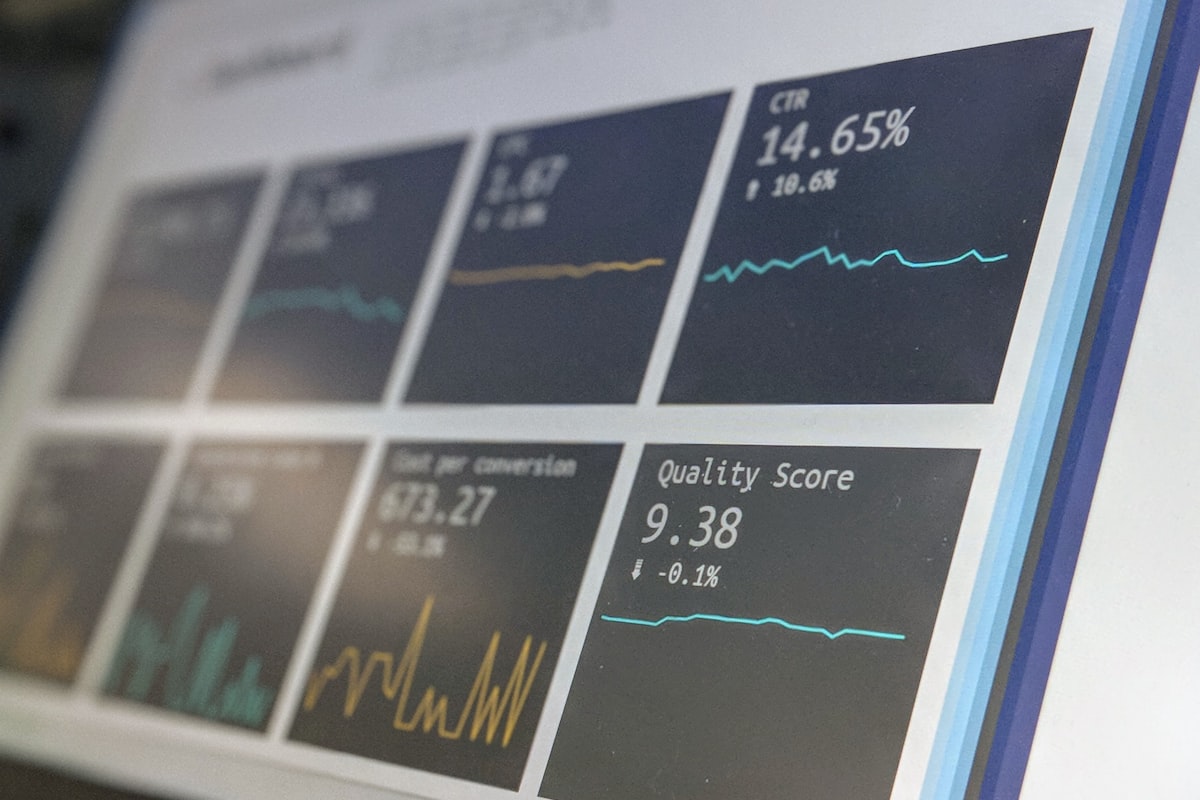
- check_circleReporting: Stock on hand, stock moves, turnover analysis, and aging reports available as standard dashboards.
Inventory Health Checklist
Use this checklist to assess whether your inventory system is working:
- check_box_outline_blankEvery stock movement (in, out, transfer, adjustment) is recorded in the system on the same day
- check_box_outline_blankSales orders are linked to real-time stock availability
- check_box_outline_blankReorder points are defined for all high-turnover products
- check_box_outline_blankReturns are processed through a formal workflow with reason codes
- check_box_outline_blankMonthly stock counts are performed and discrepancies are investigated
- check_box_outline_blankWarehouse locations are mapped in the system, including bin-level detail if applicable
- check_box_outline_blankPurchasing has access to stock data and lead time information before placing orders
- check_box_outline_blankManagement can view inventory turnover and aging dashboards without asking someone to build a report
If more than two items are unchecked, you likely have an inventory accuracy problem that is costing you money every month.
Tags:OperationsERP